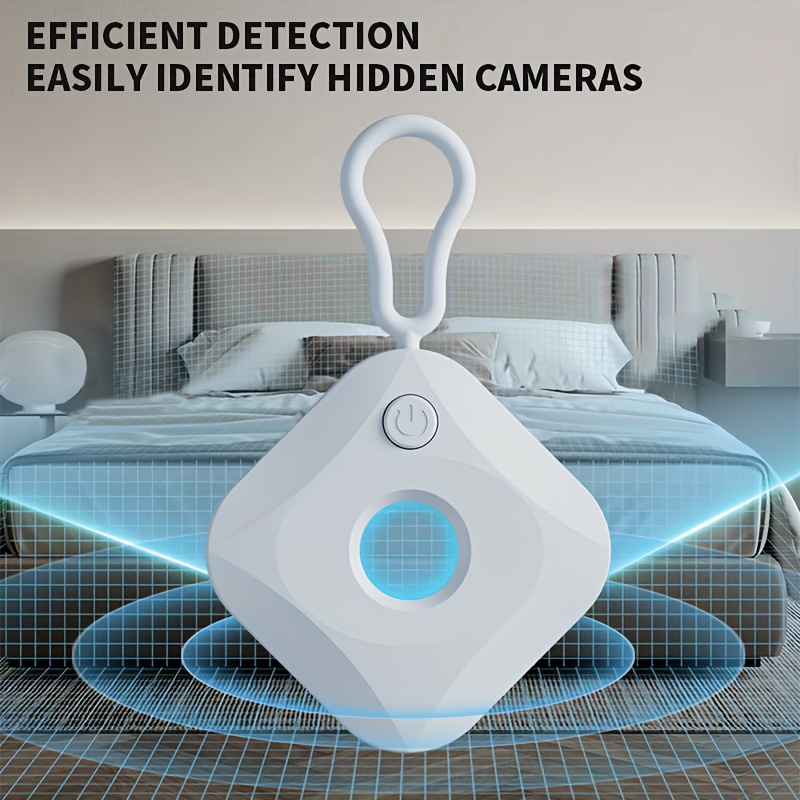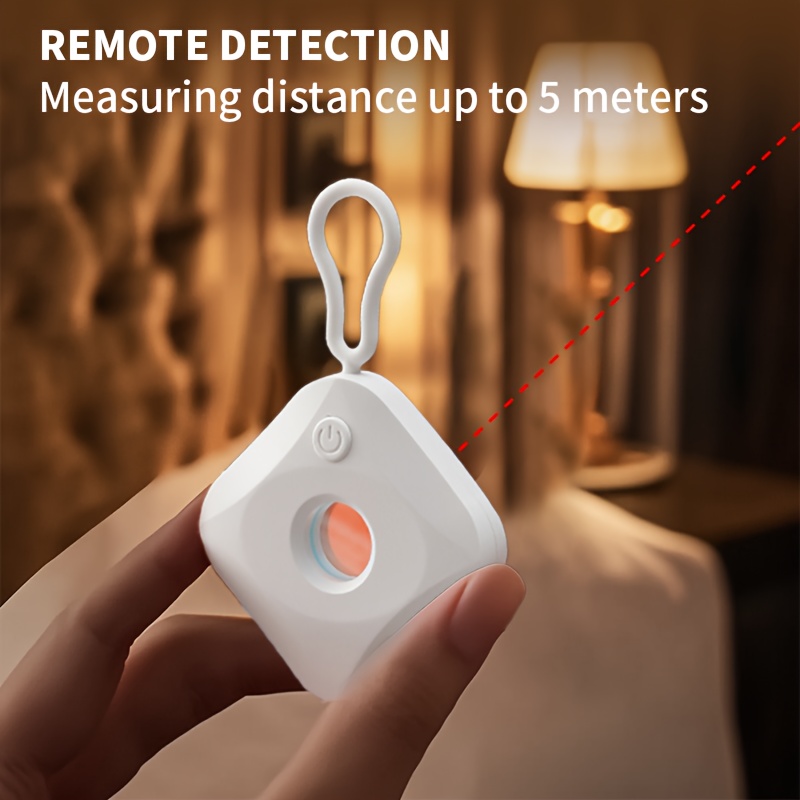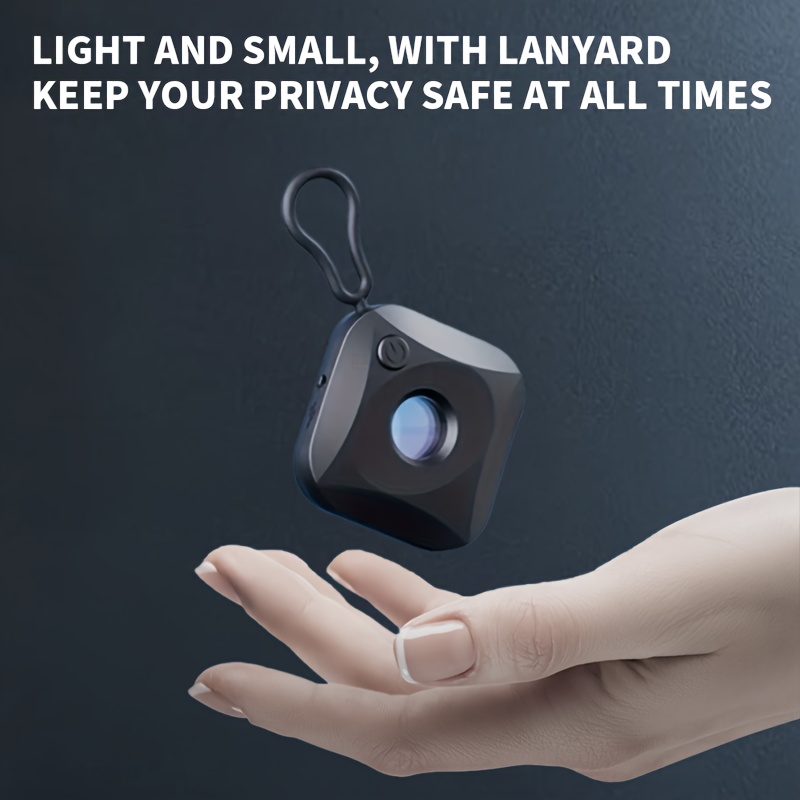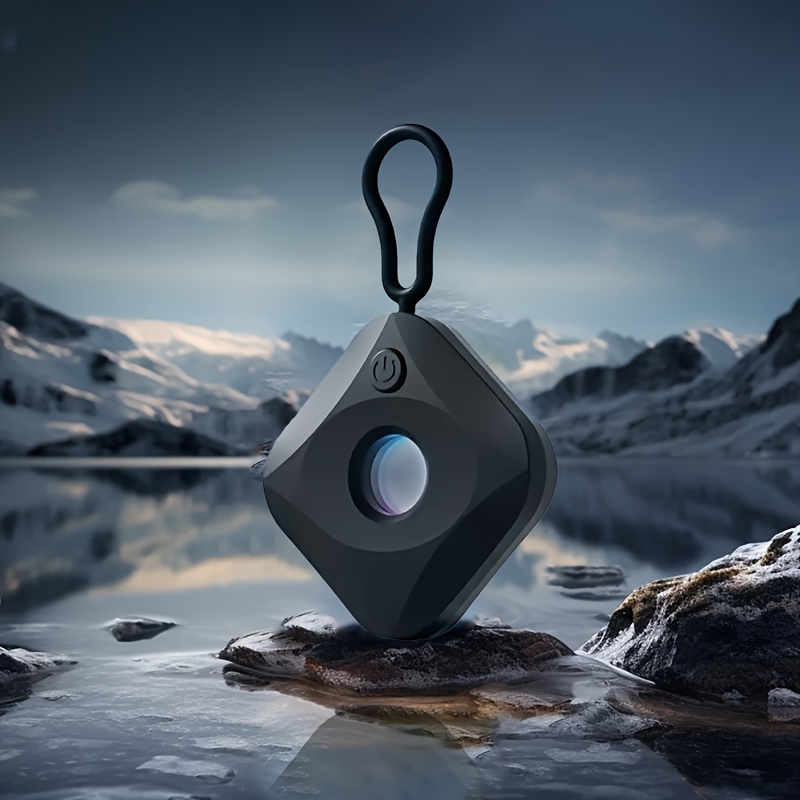




Portable Infrared Camera Detector - a Discreet for Locating Hidden Cameras, Ideal for Ensuring Safety While Traveling Or Staying in Hotels
Light... Read more
sold in last hours
Guaranteed Safe Checkout


Order before 4:00 PM to get it on priority. We dispatch by 5:00 PM everyday except Sundays.
hoursminutes
People are viewing this right now.
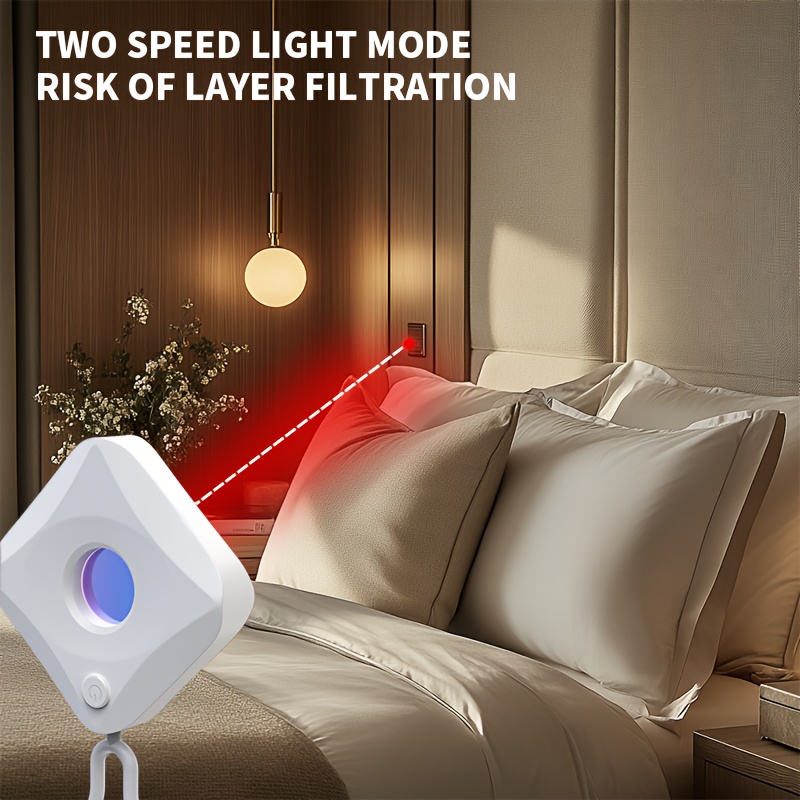
Light indicators: A rapidly blinking red light signifies low battery. A steady red light indicates charging, while no light means it's fully charged. To operate, press and hold to power on/off, and tap briefly to switch between the first setting (steady red) and the second setting (blinking red). Use the red light filter by closing your eyes and look through the window. If a camera is present, bright red dots will be visible due to reflection.
Important points to consider: 1. Avoid looking at the red light for extended periods. 2. Stay away from flames or hot surfaces, and ensure they remain dry. 3. Keep the product away from children.